
Download 3DM Simple Viewer – Free 3DM Viewer for Windows, macOS, and More
Overview
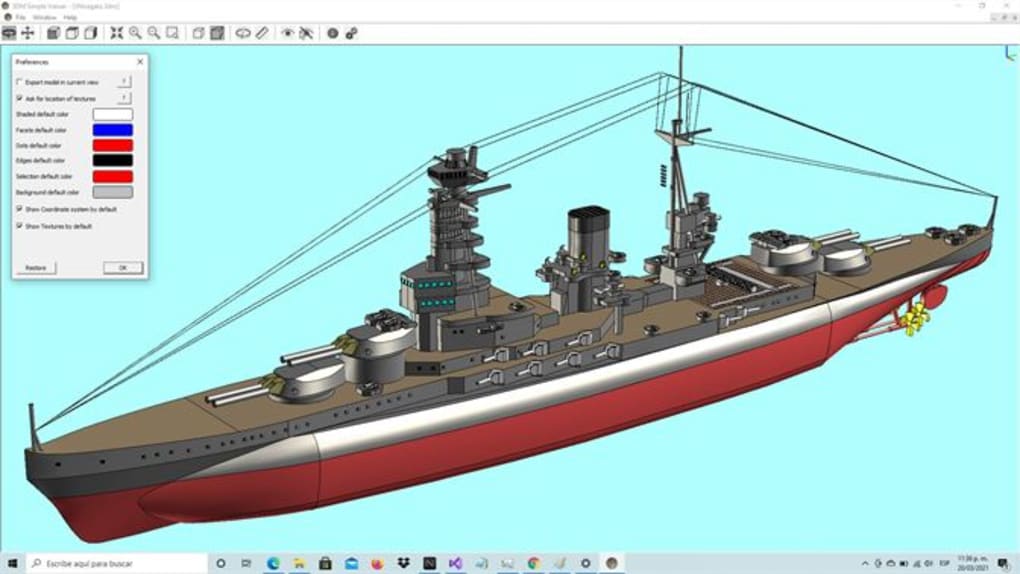
3DM Simple Viewer is a lightweight, cross‑platform utility designed for anyone who needs to open, inspect, and share Rhino (3DM) or MoI3D files without the overhead of a full‑featured CAD suite. As a freeware solution, it targets beginners, educators, and professionals who require a quick way to visualize 3D models, measure basic geometry, and export snapshots or alternate formats. The interface focuses on core actions—zoom, rotate, pan, and switch between orthographic or perspective projections—making it ideal for rapid review cycles.
After downloading the installer from the developer’s website, users can install the program on both Windows and macOS desktop computers. Once launched, a friendly “Get started” button guides new users through importing a file, selecting a view mode, and accessing simple measurement tools such as length, volume, and radius. The viewer also integrates with popular cloud services like Dropbox, Google Drive, and LinkedIn for seamless file retrieval, and it can export models to common formats like 3DS or save high‑resolution images for presentations.
While it lacks advanced editing features, its stability, speed, and zero‑cost licensing make it a reliable companion for anyone working with 3DM files on a daily basis.
Key Features of 3DM Simple Viewer
- Cross‑platform support: Native applications for Windows 10/11 and macOS Catalina and later.
- Freeware licensing: No hidden fees, no trial period—use it forever without a license key.
- Instant file preview: Drag‑and‑drop 3DM, Rhino, or MoI3D files to view geometry instantly.
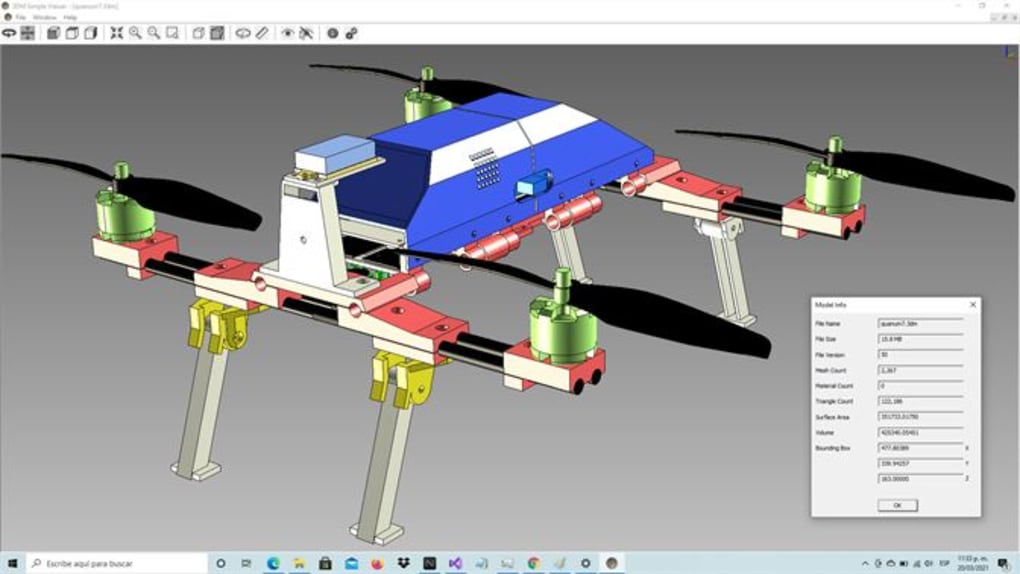
- Basic measurement tools: Measure length, surface area, volume, and radius directly in the viewer.
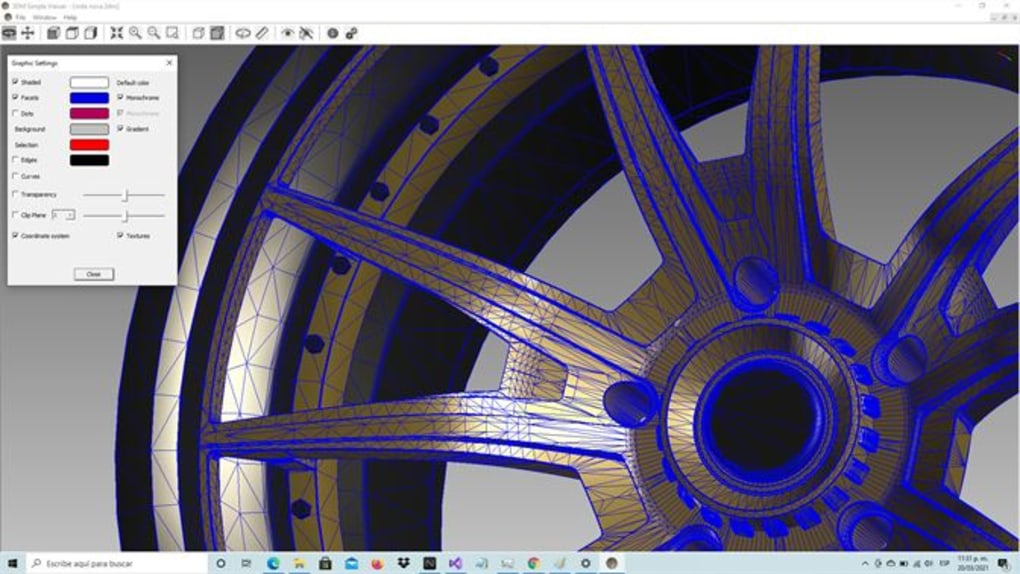
- Multiple projection modes: Switch between wireframe, shaded, and realistic rendering modes.
- Camera controls: Smooth zoom, orbit, and pan with mouse or touchpad gestures.
- Cloud integration: Open files directly from Dropbox, Google Drive, or LinkedIn accounts.
- Export options: Save screenshots as PNG/JPEG and export models to 3DS or OBJ.
- Lightweight footprint: Under 30 MB installation size, fast startup, and minimal RAM usage.
- User‑friendly UI: Simple toolbar with icons for common actions, no learning curve.
These features collectively address the most common needs of 3DM users: quick access, reliable visualization, and basic analysis without the complexity of a full CAD package. Because the tool is deliberately limited to viewing and simple measurement, it remains responsive even on older hardware, making it an excellent choice for classrooms, field engineers, and freelancers who need to confirm geometry on the go.
Installation, Compatibility, and First‑Time Use
Downloading and Installing
To begin, visit the official 3DM Simple Viewer website and click the Download button that matches your operating system. The Windows installer is a standard .exe package, while macOS users receive a signed .dmg file. Both installers are digitally signed, ensuring a secure download free from malware. Run the installer and follow the on‑screen prompts: accept the license agreement, choose an installation folder (the default works for most users), and let the wizard copy files. The entire process typically completes in under two minutes, even on modest machines.
System Requirements (itemprop="operatingSystem")
Windows 10, Windows 11 (64‑bit) or macOS 10.15 Catalina and later (Intel or Apple Silicon) are officially supported. The application runs on a minimum of 2 GB RAM and requires at least 200 MB of free disk space. Because it does not depend on GPU acceleration, any integrated graphics solution can handle typical 3DM files up to several hundred thousand polygons without lag.
Getting Started Quickly
After installation, launch 3DM Simple Viewer. The home screen presents a prominent Get started button; clicking it opens a file‑selection dialog. You can also drag a 3DM file onto the application window to load it instantly.
Once a model appears, the toolbar at the top provides icons for zoom (mouse wheel or pinch), rotate (left‑click drag), and pan (right‑click drag). For measurement, click the ruler icon, then select two points on the model to see the distance, or choose the volume tool to compute enclosed space. The Export menu lets you save a high‑resolution snapshot or convert the model to 3DS for use in other programs.
If you store files in the cloud, click the cloud icon, sign in with your Dropbox, Google, or LinkedIn credentials, and browse directly to the desired file—no manual downloads required.
The intuitive workflow means that even users with zero CAD experience can open a complex Rhino model, verify dimensions, and share a visual summary within minutes. Regular updates are released quarterly, adding minor bug fixes and occasional new export formats, all delivered through an automatic update prompt that appears at startup.
Pros and Cons – A Balanced Look at 3DM Simple Viewer
Pros
- Completely free with no hidden licensing costs.
- Lightweight and fast, ideal for older computers.
- Supports both Windows and macOS, including Apple Silicon.
- Simple, uncluttered UI that beginners can master instantly.
- Integrated cloud access eliminates the need for manual file transfers.
- Basic measurement tools provide quick geometry checks.
- Export to 3DS and image formats for easy sharing.
- Secure download from a signed installer.
Cons
- No advanced editing capabilities (e.g., sculpting, Boolean operations).
- Limited to 3DM, Rhino, and MoI3D files; does not open other CAD formats natively.
- No built‑in scripting or automation features.
- Projection options are basic compared to full‑featured viewers.
- Support is community‑based; no dedicated phone line.
3DM Simple Viewer strikes an excellent balance between functionality and simplicity. For users who only need to view and perform quick measurements on Rhino files, it delivers a smooth, secure experience without the bloat of professional CAD suites. While power users may miss deeper editing tools, the free price tag and cross‑platform availability make it a compelling choice for education and light‑weight professional work.
Frequently Asked Questions
Is 3DM Simple Viewer really free?
Yes, the viewer is released as freeware. There are no hidden fees, trial periods, or subscription requirements.
Can I open files directly from my Dropbox or Google Drive?
Absolutely. The built‑in cloud integration lets you sign in with your Dropbox, Google, or LinkedIn account and browse to any 3DM file stored there.
What operating systems are supported?
The application runs on Windows 10/11 (64‑bit) and macOS 10.15 Catalina or later, including both Intel and Apple Silicon Macs.
Can I export a model to a format other than 3DS?
Export options are limited to 3DS and standard image formats (PNG, JPEG). For more complex conversions, you’ll need a dedicated CAD program.
Is there any limit on file size or polygon count?
There’s no hard‑coded limit, but extremely large models (several million polygons) may cause slower navigation on low‑end hardware.
Conclusion – Should You Download 3DM Simple Viewer?
If you need a secure, free, and fast way to open Rhino or MoI3D files on Windows or macOS, 3DM Simple Viewer delivers exactly that. Its minimalistic design keeps the learning curve shallow, while the built‑in measurement tools and cloud connectivity add genuine productivity value. Although it does not replace a full‑featured CAD suite, it excels as a dedicated viewer for students, consultants, and anyone who simply wants to verify geometry before sharing or exporting. Click the download button below to get the latest version, install it in minutes, and start reviewing your 3DM models without any cost or commitment.







